.svg)
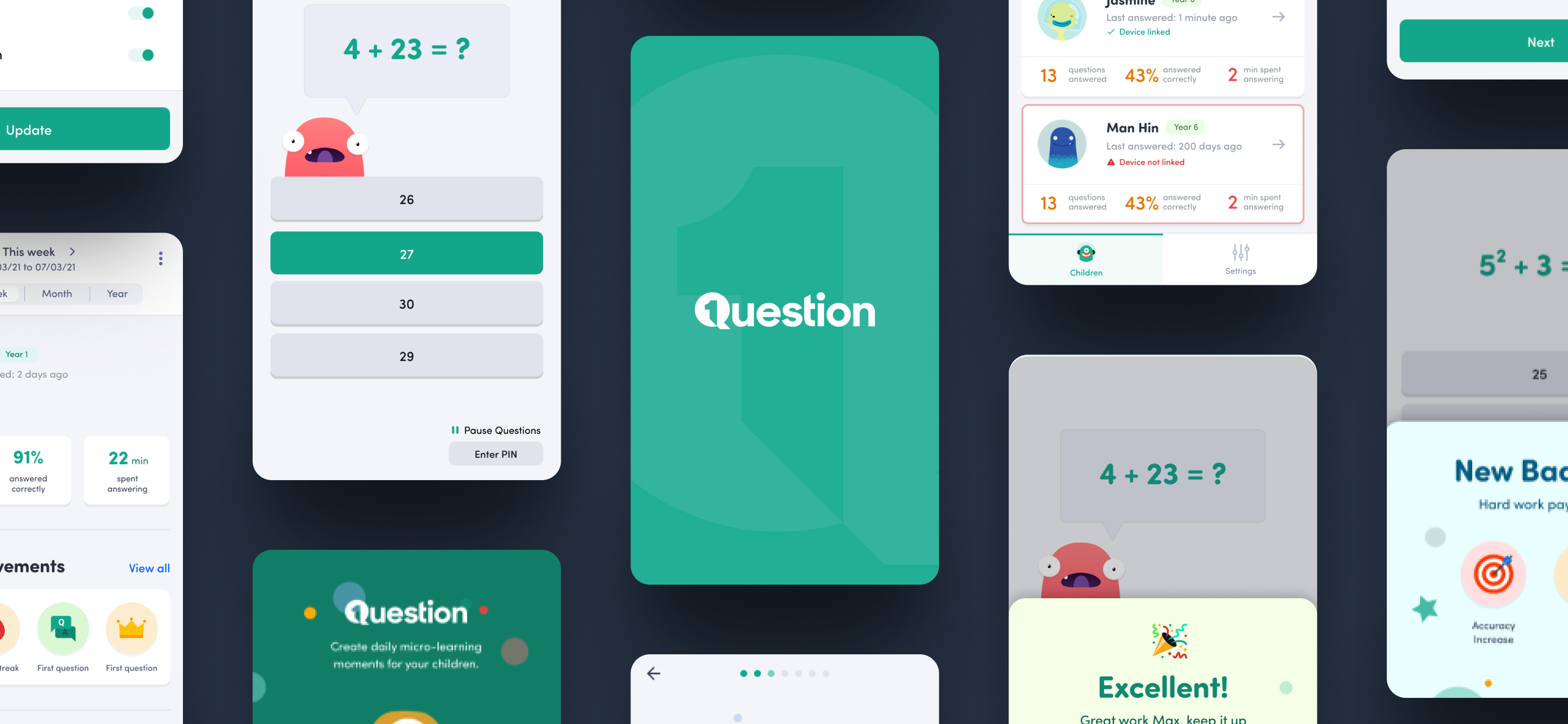
Changing the game in the eLearning space
What’s 1Question?
As children adapted more and more to technology, they continue to be exposed to longer screen time.
1Question is an AI-fuelled application that consolidates learning moments into a child’s daily online activity.
When a child goes to open an app, they will be asked to answer mathematical questions before continuing with their screen time – whether that be a game or social media.
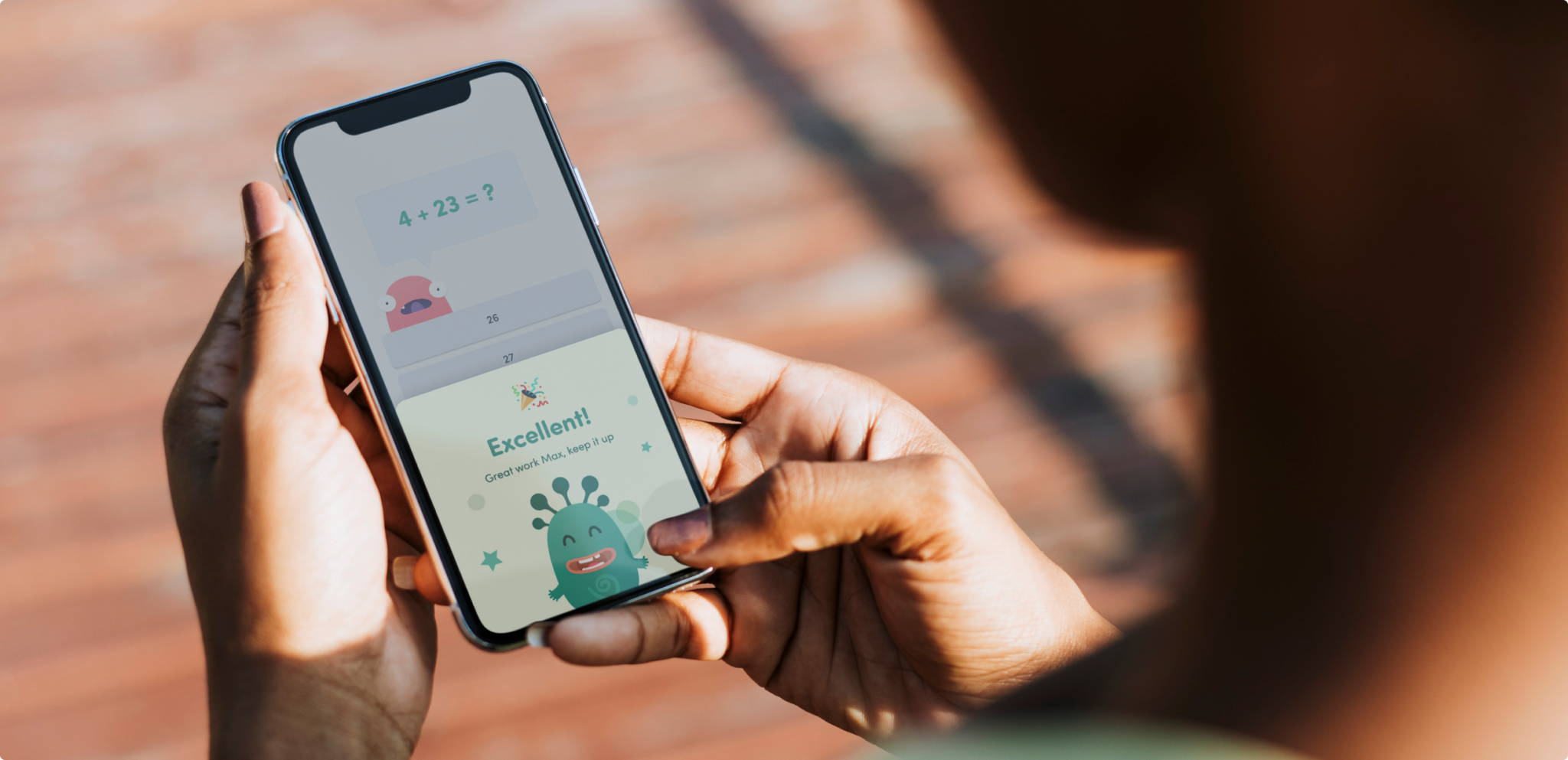
Creating an engaging digital experience for 1Question
After having our first catch up with the team at 1Question, we set about creating a tailored approach to their product. The idea was there, and the start of a design too – so we took it upon ourselves to plan a high fidelity parent and child application – that would exceed expectations and get them the investment they deserved.


Applying Gamification
Considering 1Question’s target audience, we decided to use gamification to give it an addictive and exciting edge. Our aim is to keep them engaged in a task that they may not initially be too excited about.

Making it easy for the user to see progress, giving them a sense of accomplishment and motivation to continue.

Rewarding users with visual feedback such as badges and certificates to create a sense of achievement.

When they’re doing well, the feeling of success encourages them – and when they fall off track, they are motivated to work harder.
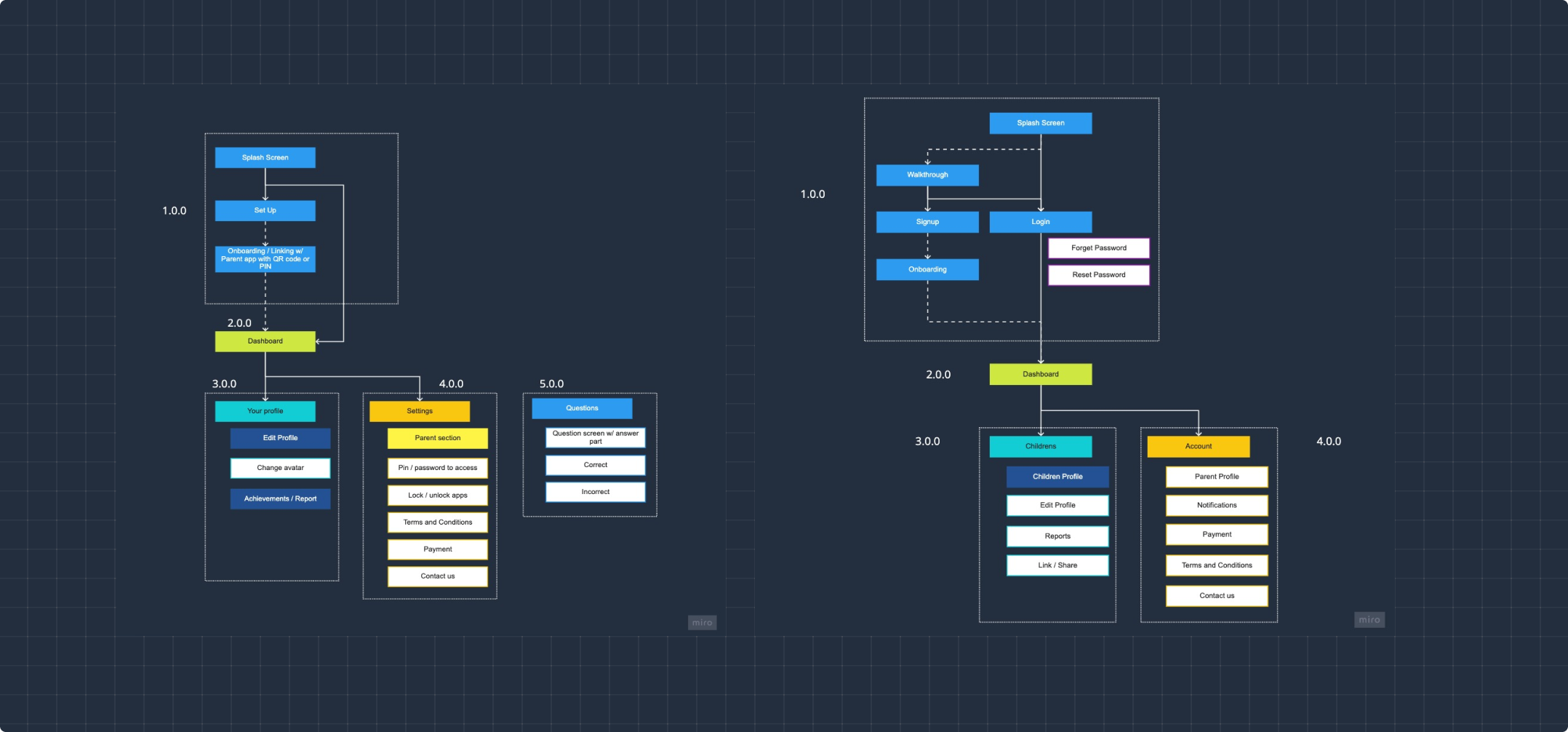
Information Architecture
Before delving into the screens, we set out to create a framework to set the foundations for our high fidelity prototypes.
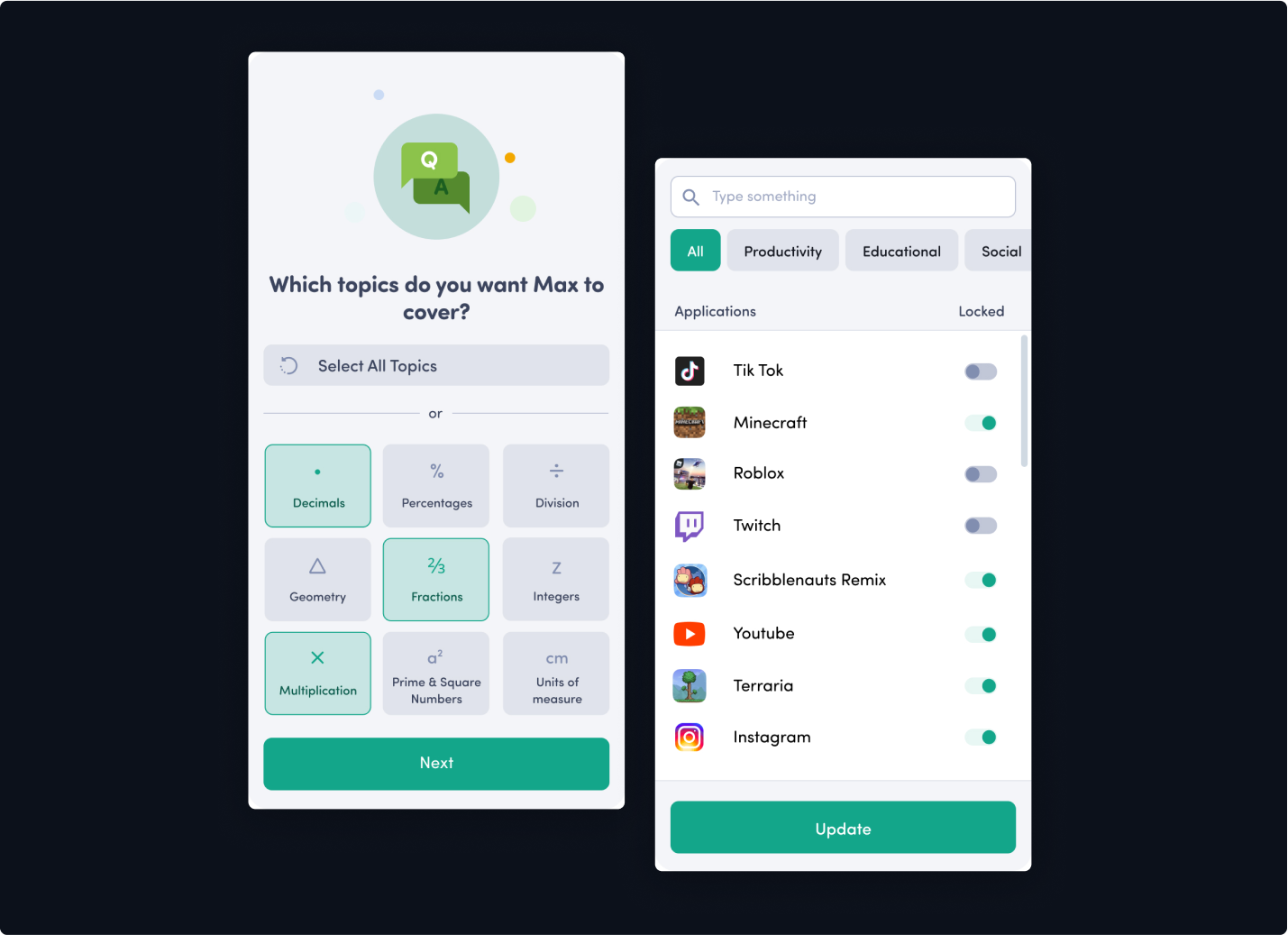
Keeping things customised
With 1Question, one of its main feature is the ability to customise a learning experience for each individual child.
As a parent, you can set up different topics for your child, and also decide which apps to lock or prompt for 1Question to pop up.
In our designs, we aimed to place emphasis on these customisable aspects and kept things visual.
Encouraging interactions
We utilised our gamified approach when designing our question screens. We kept things simple, using large, clear buttons and a little bit of fun with our monster characters. When a child solves a problem, they are encouraged by an “Excellent” message and winning badges.
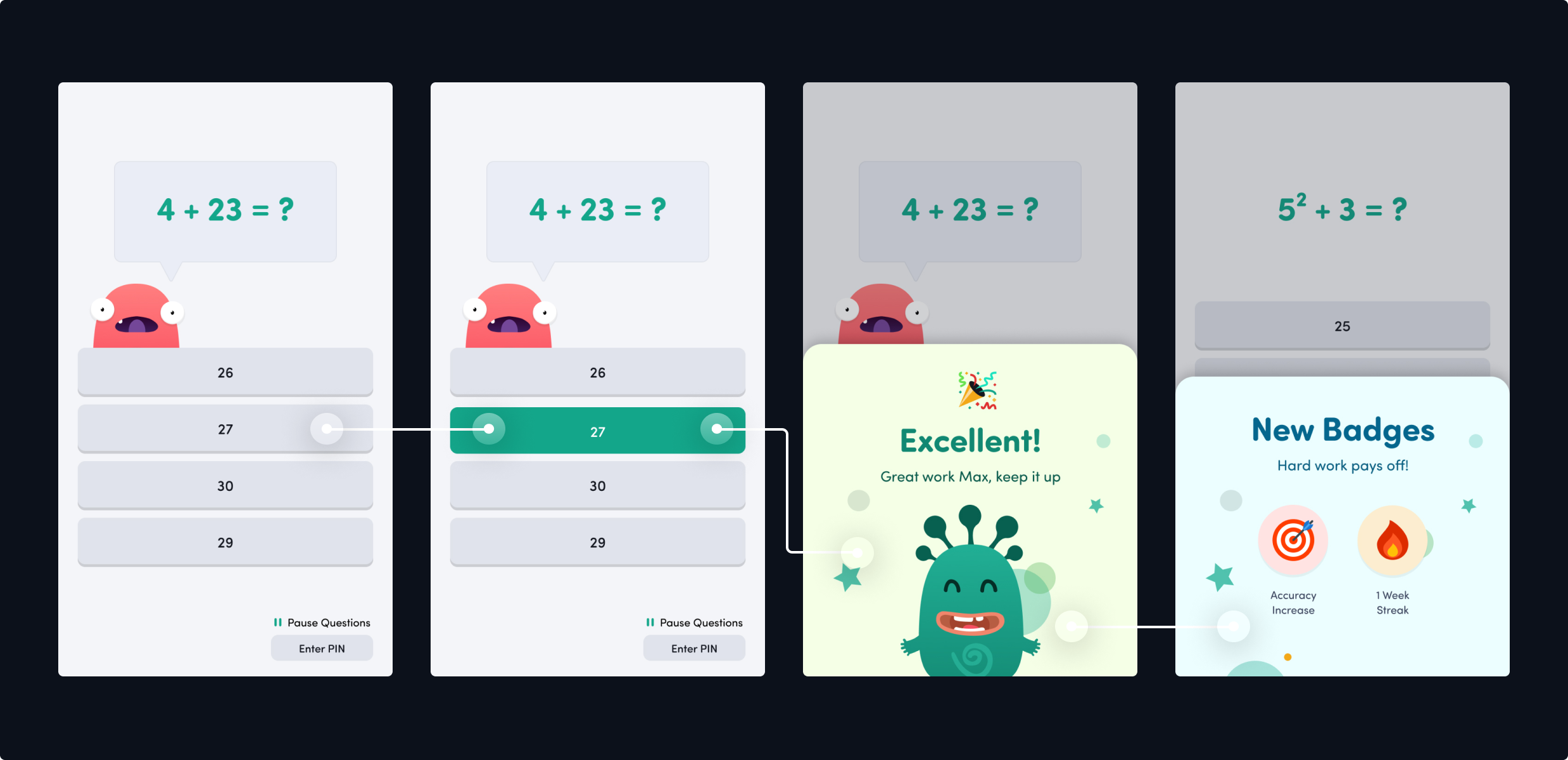
Sharing achievements between Parent and Child
Shared success
By allowing parents to view their children’s progress through data tracking and visualisation, it lets them view and celebrate their child’s learning successes with ease.
Badges and Awards
For the kids, they may not care too much about the graph, but we’ve created bright and colourful achievement badges to encourage their learning and growth.
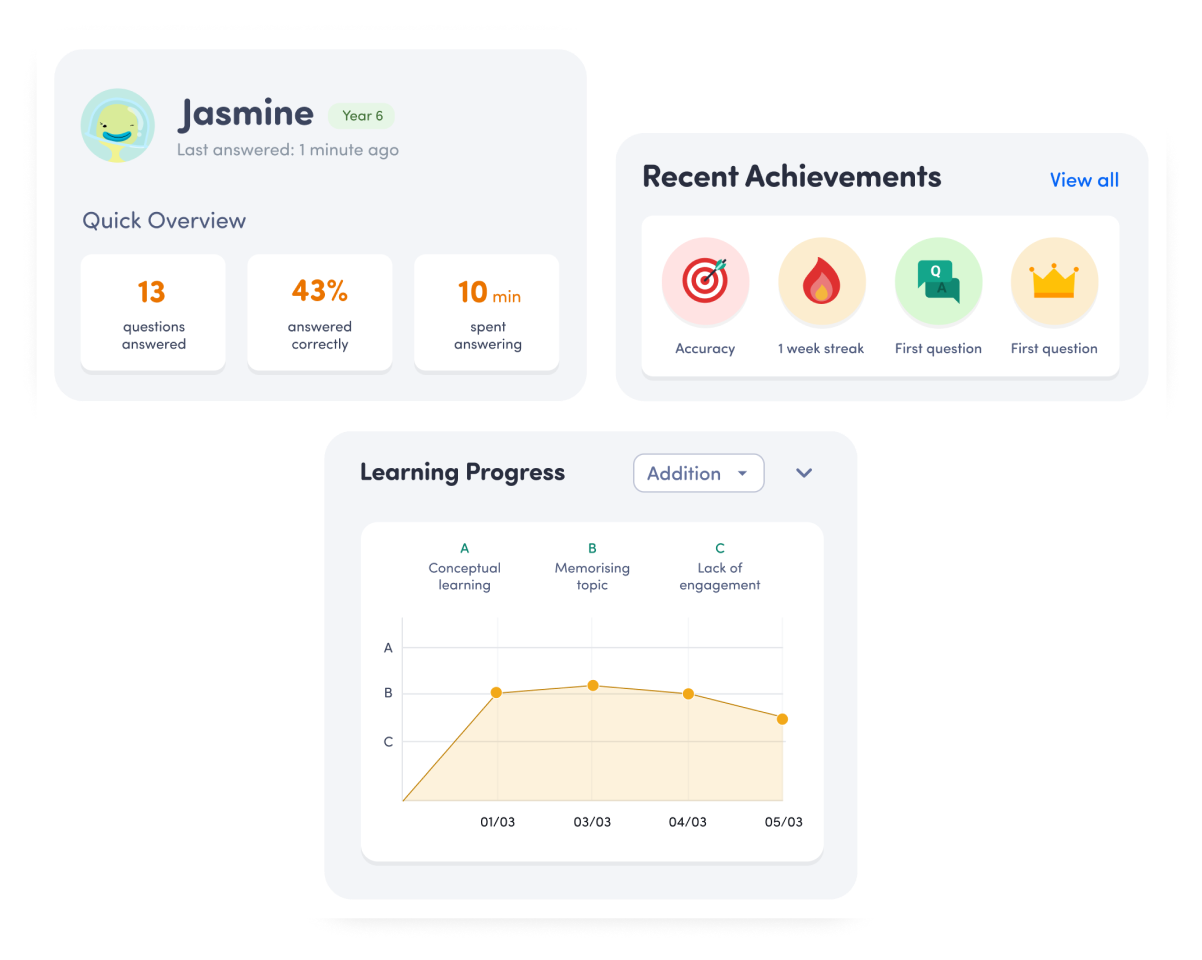
Making progress visual
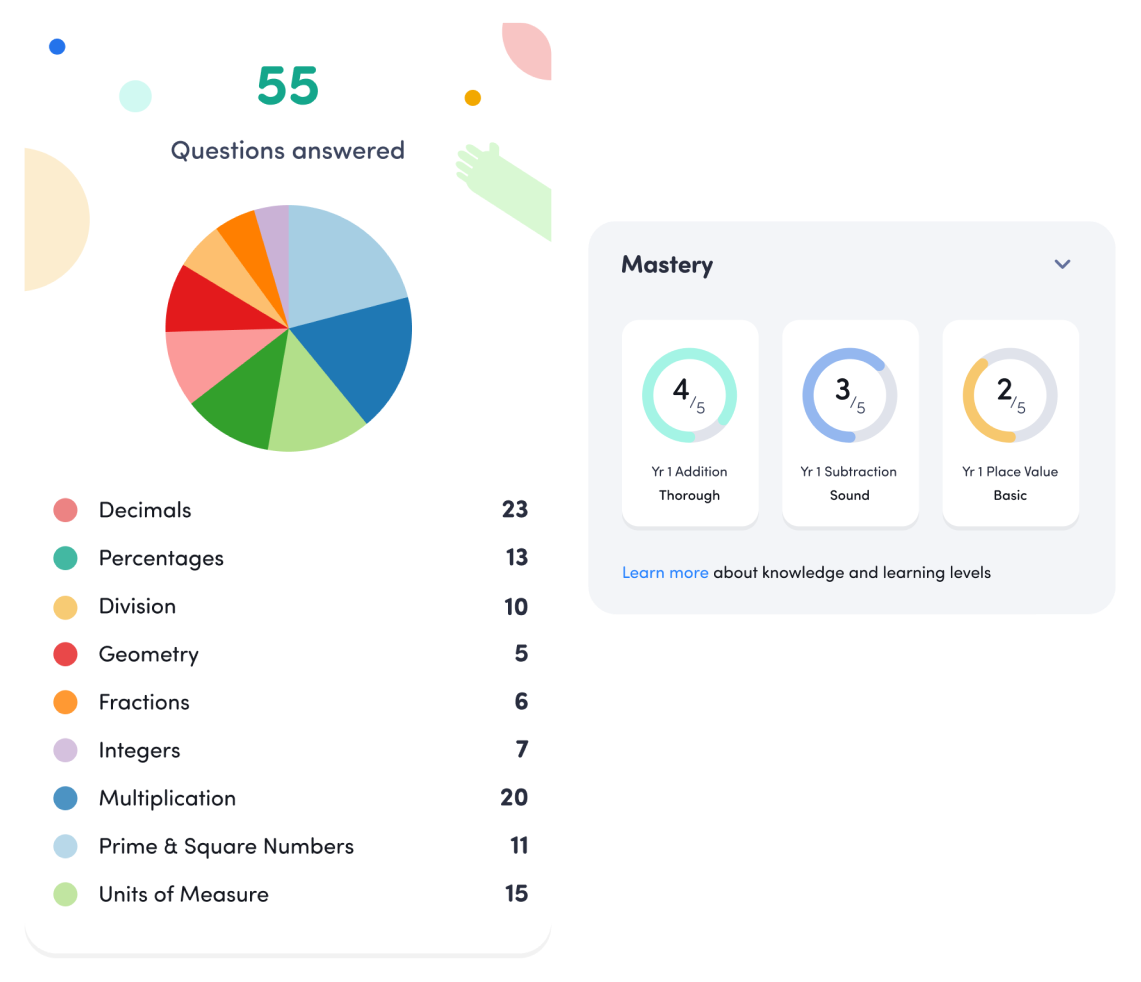
We’ve assigned levels for the different mathematical skillsets to measure the child’s success and areas for improvement.
Statistics + Data Visualisation
Similarly to shared sucesses, this data visualisation adds to the product’s informative aspect, so you’re always kept in the loop.


$1.94M Raised
Showing your user that progress has been creates a sense of accomplishment, and can encourage people to continue using the product in order to continue their progression.
Media Traction





Testimonial
Great designs! Project completed on time & on budget. Looking forward to the next project.


Bill's testimonial
Next Case Studies

Creative product design that gets results
Take your company to the next level with world class user experience and interface design.
.svg)